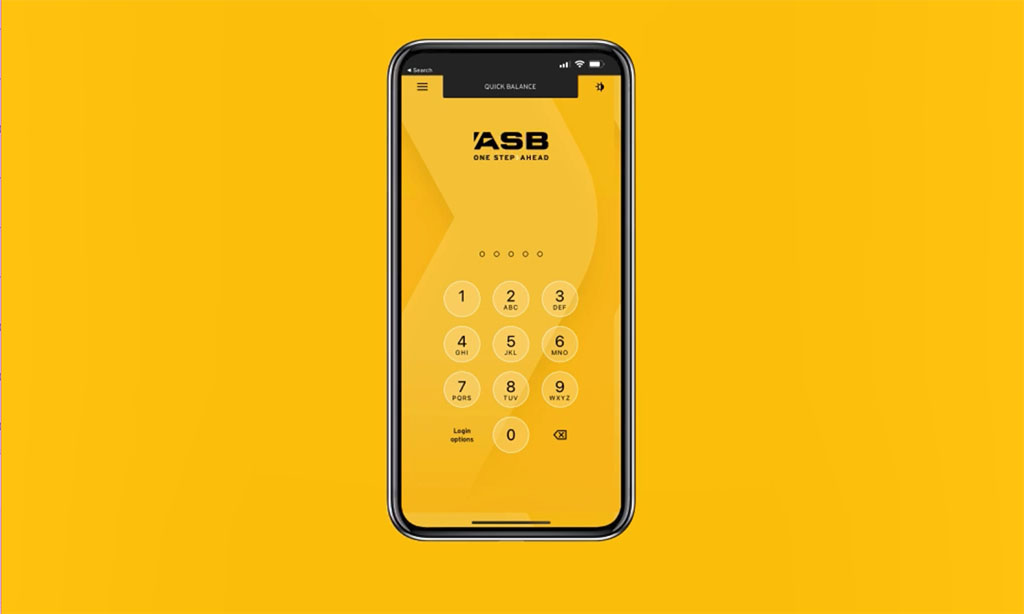
Step one: Log into the ASB Mobile Banking app or FastNet Classic.
Step two: Tap 'More' (in ASB Mobile Banking app) or 'Menu' (in FastNet Classic), and then select 'Contact us'.
Step three: Click the 'Book an appointment' button and follow the booking instructions from there.
Step four: Update your personal details, including email and phone number, if they’re out of date.
Step five: Select 'Home Loan' as the main purpose of your appointment (this will match you with an ASB home lending specialist). If you are a first home buyer, select 'Buying your first home'.
Step six: Fill in all relevant appointment details.
Step seven: Select how you would like to talk to the ASB home lending specialist. You'll then be prompted to choose your location, date, time to find suggested available appointments.
Step eight: Your appointment is confirmed! Here, you'll be able to see all of your appointment details.